Mesh networking : methods and the EasyMesh solution in 2026
Contents
Is your home 150+ m² and does your WiFi router leave dead zones in the bedrooms or the garden ? Do repeaters cut your throughput in half ? Are expensive mesh solutions putting you off ? The good news : the WiFi mesh ecosystem has matured with the EasyMesh standard, which standardizes interoperability and democratizes this technology.
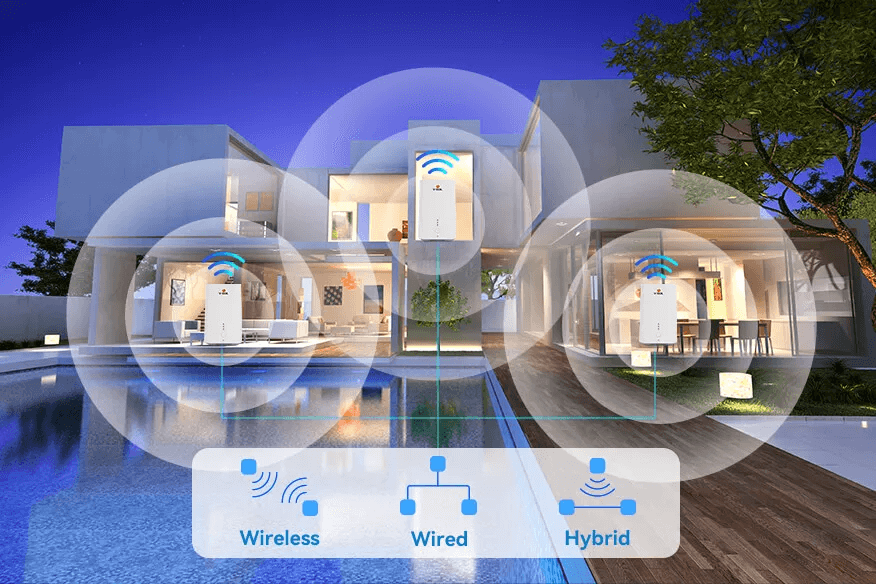
This guide explains what a mesh network is, its three deployment methods (wireless, wired, hybrid), the differences between EasyMesh and 802.11s, and how to deploy a high-performance mesh solution for your home or your enterprise POL.
What is a mesh network ?
A mesh network is a topology in which all nodes (routers/APs) are interconnected, each node having at least two neighbors. This redundancy enables :
- Multiple possible paths between each pair of nodes
- Self-healing if a node goes down
- Automatic load balancing
- Unified SSID across the whole network
- Seamless roaming : clients switch over without interruption
Unlike a repeater (which halves the bandwidth at each relay), a good mesh system uses a dedicated backhaul band or an Ethernet backhaul to avoid degradation. See also our comparison Mesh vs Extender.
Benefits of mesh WiFi
- Unified SSID and network management : a single WiFi name throughout the home
- Fast pairing : add a satellite in 2-5 min via app
- Full coverage : 2-4 nodes = 150 to 400+ m²
- Smooth roaming : video call without interruption while moving around
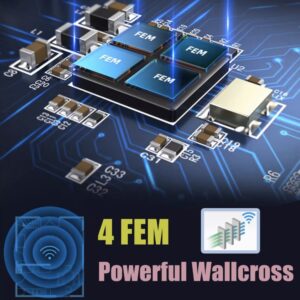
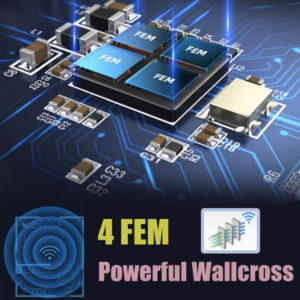
- Integrated LP chip : low-noise amplifier to extend the range
- Integrated LNA : stable reception amplifier for reliable data
- Mobile app management : parental controls, guest network, monitoring
Three methods for mesh networking
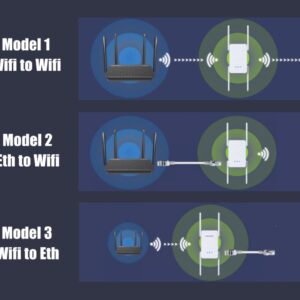
Method 1 : Wireless mesh (WiFi backhaul)
The nodes communicate only via WiFi. Two versions :
- IEEE 802.11s : an older standard, focused on mesh routing topology
- EasyMesh (Wi-Fi CERTIFIED) : a modern standard, focused on ease of deployment and multi-vendor interoperability
Almost all consumer mesh systems (eero, Google Nest, TP-Link Deco, ASUS ZenWiFi, Elfcam HG3610ACM) use EasyMesh in 2026.
Method 2 : Wired mesh (Ethernet backhaul)
The nodes are connected by Cat 6/7/8 Ethernet cables. Advantages :
- Dedicated backhaul with maximum throughput
- No degradation on WiFi clients
- No more wireless hop to cross
Drawback : it requires running Cat 6 Ethernet cables between the nodes, often heavy work in a renovation.
Method 3 : Hybrid mesh
A combination : some nodes connected by Ethernet (ground floor to main floor), others by WiFi (secondary extensions). It is the most flexible configuration and often the most realistic in a renovation.
| Method | Performance | Installation complexity | Cost |
|---|---|---|---|
| Wireless (WiFi) | Good if tri-band | Minimal (mobile app) | $ |
| Wired (Ethernet) | Excellent | High (cabling) | $$ |
| Hybrid | Very good | Medium | $$ |
EasyMesh vs 802.11s
Both standards aim for the same goal (mesh WiFi) but with different philosophies :
- IEEE 802.11s (2011) : focuses on routing algorithms between nodes, specifies MPP (Mesh Portal Points), HWMP (routing protocol). Little adoption in the consumer market.
- EasyMesh (Wi-Fi Alliance) (2018+) : focuses on ease of configuration and interoperability. Allows mixing equipment from different manufacturers (in theory).
In 2026, if you buy a mesh device, check that it is Wi-Fi CERTIFIED EasyMesh R4 (the latest version with WiFi 6/6E/7 support). It is the guarantee of maximum interoperability.
Elfcam mesh architecture
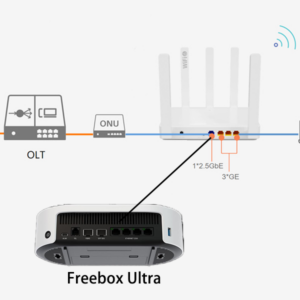
Example of an Elfcam mesh architecture in a residential POL deployment :
- ONU V2801 (SFU) : 1 PON port + 1 GE port, integrated firewall, GPON/EPON compatible
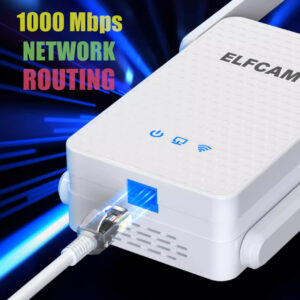
- HG3610ACM mesh router : 1 GE port + 1 PON port, dual-band 2.4+5 GHz, 1.2 Gbps WiFi 5 (or newer WiFi 6 models)
- HG323AC-B satellites placed strategically around the home, fast pairing via EasyMesh
- Unified management via mobile app or BS-EMS for POL deployments
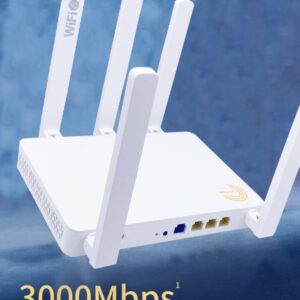
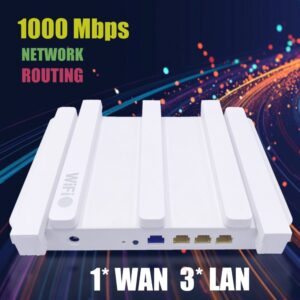
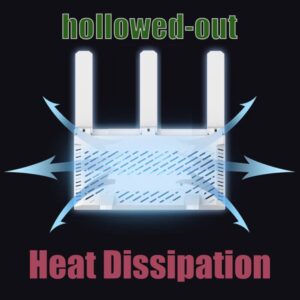
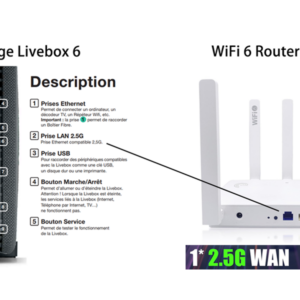
For a modern 2026 home deployment, our WiFi 6 Mesh AX3000 router with 2.5 Gb WAN offers better value for money : native WiFi 6, OFDMA, MU-MIMO 8x8, optimized backhaul.
Elfcam mesh hardware
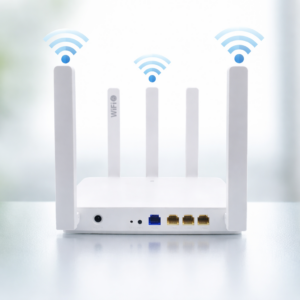
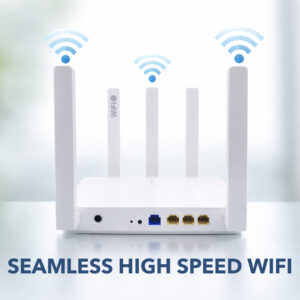
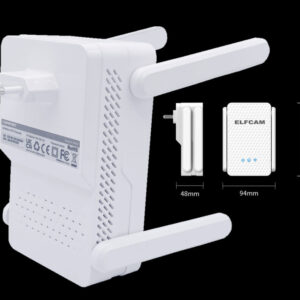
- WiFi 6 Mesh AX3000 router with 2.5 Gb WAN — modern mesh kit
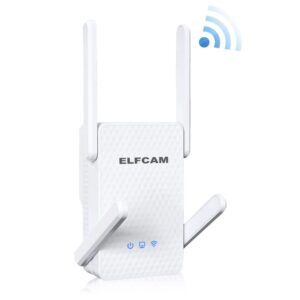
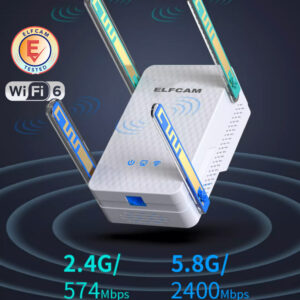
- WiFi 6 AX3000 repeater — extends an existing mesh
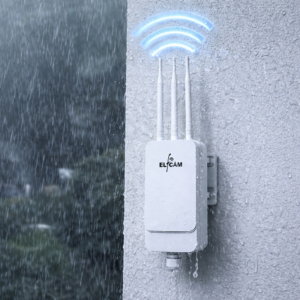
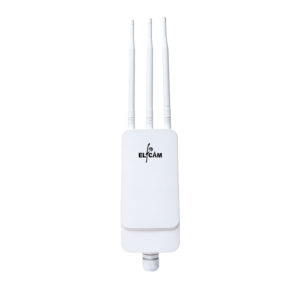
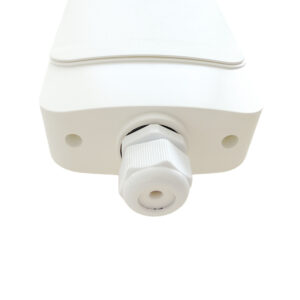
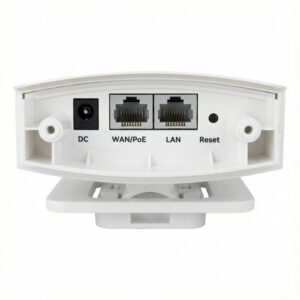
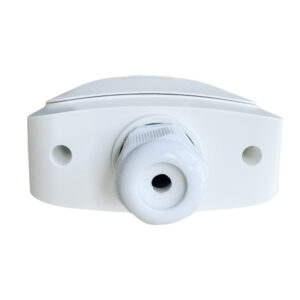
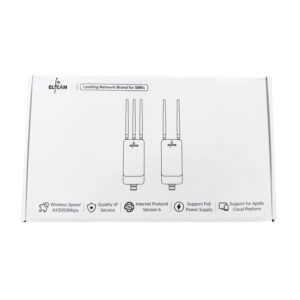
- Outdoor WiFi 6 AP IP67 AX3000 — outdoor, PoE
- WiFi 6 FTTH HGU — replaces an ISP box
- Cat 6/7/8 Ethernet cables — wired backhaul
- PoE switches — power outdoor APs
How to deploy an EasyMesh mesh
- Plan the locations : 1 node per 80-100 m² with > 1 load-bearing wall in between
- Central position for the main router
- Power supply available near each satellite node
- Install the main router : connect to the box/ONT, power it on
- Download the mobile app Elfcam/eero/Deco/etc.
- Initial pairing : scan the router's QR code, create the SSID and password
- Add satellites : place in the right spot, the app detects automatically
- Check backhaul quality : the app shows the signal between nodes
- Roaming test : video call while walking through the home
- Secure : WPA3 enabled, separate guest network, WPS disabled
Tip : Ethernet backhaul for a premium mesh
If you can run a Cat 6 Ethernet cable between the main router and the satellites, do it. This frees up 100% of the WiFi band for end clients and can double real-world performance. The "Ethernet backhaul" or "Wired backhaul" mode is supported by all modern EasyMesh mesh systems.
FAQ — Mesh and EasyMesh
1Mesh vs Extender, what's the difference ?
- Extender : simply repeats the signal, halves the bandwidth, may use a different SSID, roaming not always smooth
- Mesh : intelligent network, unified SSID, seamless roaming, dedicated backhaul
2How many nodes for my home ?
- < 100 m² : 1 node (a modern WiFi 6 is enough)
- 100-200 m² : 2 nodes (1 main + 1 satellite)
- 200-350 m² : 3 nodes
- 350+ m² or 3+ floors : 4-5 nodes
3Can I mix different mesh brands ?
4Does my ISP router support EasyMesh ?
- Freebox Pop/Delta/Ultra : yes, Freebox mesh
- Orange Livebox 6/7 : yes, Orange Wi-Fi Extender
- SFR Box 8/8X : yes, SFR WiFi boosters
- Bbox : yes, Bbox mesh
5Dedicated backhaul (tri-band), is it really useful ?
- The 2.4 GHz band for distant clients and IoT
- The 5 GHz band (1) for modern clients
- The 5 GHz band (2) or 6 GHz dedicated to the backhaul : no client degradation
6Smooth roaming : which standard ?
- 802.11k : the client knows the neighboring APs
- 802.11v : the network suggests that a client switch over
- 802.11r (Fast Transition) : switchover in under 100 ms
7Mesh vs wired AP + switch ?
- Mesh : simple configuration via app, mesh WiFi managed automatically, ideal for the home
- AP + switch : more powerful, manual configuration (VLAN, QoS), ideal for SMBs and POL. See our range of PoE switches + outdoor APs
8Elfcam delivery and support ?
In summary
Mesh networking with the EasyMesh standard is the optimal WiFi solution for large homes or POL deployments. Three deployment methods : wireless (simple), wired (high-performance), hybrid (flexible). Always aim for EasyMesh R4 + WiFi 6/6E at minimum in 2026.
For home use, 2-3 WiFi 6 Mesh AX3000 nodes are enough for 200-350 m². For advanced use, add an outdoor AP IP67 for the garden and a Cat 6 Ethernet backhaul between nodes. For a hotel POL, a dedicated architecture with pro APs + a managed switch.