WiFi 2.4 GHz vs 5 GHz : which band to choose in 2026 ?
Contents
Your modern WiFi router broadcasts two networks : 2.4 GHz and 5 GHz, sometimes even three (with the 6 GHz of WiFi 6E/7). Your smartphone connects automatically to one or the other, sometimes to the worse one. The result : slow WiFi in certain rooms, disconnections, connected devices that no longer latch on.
These two bands are not interchangeable : they have different physical characteristics that make them complementary. Knowing which to use depending on the case (smartphone on a video call, connected device on 2.4 GHz, 4K TV on 5 GHz) solves the majority of home network problems. This guide explains the differences, the trade-offs and how to use both bands in parallel in your home.
What is WiFi 2.4 GHz ?
The 2.4 GHz band is an ISM (Industrial, Scientific, Medical) licence-free frequency available worldwide since the 1990s. It has historically served WiFi 802.11b/g/n, and is shared with :
- Bluetooth
- Microwave oven
- Analogue baby monitors
- Garage remote controls
- IoT devices (sensors, home automation)
Advantages
- Extended range : penetrates load-bearing walls better and crosses several rooms
- Worldwide availability : no country restricts it
- Low power consumption : ideal for battery-powered IoT devices (5-10 year lifespan)
- Low cost : affordable components, built into every connected device
Disadvantages
- Only 3 non-overlapping channels (1, 6, 11 in Europe) out of 14 theoretical channels
- Saturation in dense areas : apartment buildings, neighbourhoods, airports
- Capped throughput : ~600 Mbps in WiFi 6 (100-300 Mbps in practice)
- Multiple interferences : microwave oven, Bluetooth, analogue cameras
What is WiFi 5 GHz ?
The 5 GHz band arrived with WiFi 802.11a (1999) then became widespread with 802.11n/ac/ax. It offers many more channels (24 non-overlapping in Europe, with DFS) and a wider bandwidth per channel (up to 160 MHz in WiFi 6/6E).
Advantages
- High throughput : up to 4.8 Gbps in WiFi 6 (500-1500 Mbps in practice)
- Less interference : little shared with other technologies
- Many channels : 24 non-overlapping channels, much more flexibility
- Reduced latency : ideal for gaming and video calls
Disadvantages
- Range reduced by 30-50% compared to 2.4 GHz
- Attenuation through walls : concrete/stone absorb a lot
- Higher consumption : slightly worse for battery-powered IoT
- DFS mandatory : certain channels (52-144) must free up the space if a radar is detected (airport, weather, military)
Direct comparison 2.4 vs 5 GHz
| Criterion | 2.4 GHz | 5 GHz |
|---|---|---|
| Max throughput WiFi 6 | ~600 Mbps | ~4.8 Gbps |
| Indoor range | 30-45 m | 15-25 m |
| Wall penetration | Excellent | Average |
| Non-overlapping channels | 3 | 24 (with DFS) |
| Max channel width | 40 MHz | 160 MHz |
| EM interference | A lot (Bluetooth, microwaves) | Little |
| Average latency | 20-40 ms | 10-20 ms |
| Client consumption | Low | Moderate |
| Typical usage | IoT, distant rooms, home mobility | 4K streaming, gaming, NAS, remote work |
Simple rule : near the router → 5 GHz. Far from the router or IoT device → 2.4 GHz. A good mesh system handles this choice automatically for you.
What about the 6 GHz band (WiFi 6E/7) ?
Since 2021 in France, WiFi 6E adds the 6 GHz band (5.945-6.425 GHz), i.e. 1200 MHz extra. WiFi 7 (2024) also uses this band with channels up to 320 MHz.
- Peak throughput : up to 9.6 Gbps (WiFi 6E) and 46 Gbps (WiFi 7 theoretical)
- Almost no interference : nearly pristine band in 2026
- Even shorter range than 5 GHz (~10-15 m)
- Limited compatibility : iPhone 15 Pro+, Samsung S22+, MacBook M2+, recent PCs
If your router is compatible, enable 6 GHz for recent clients — especially for NAS transfers, VR, wireless gaming. Otherwise, stick with the 2.4 + 5 GHz duo. See our guide WiFi 6 vs WiFi 5 for more details.
Which band to choose by usage
Smart Connect : let the router decide
Most recent routers offer a Smart Connect mode (or "Band Steering") that merges the two SSIDs into one : your devices connect automatically to the best band according to the signal. Worth enabling except in special cases (old IoT that balks at 5 GHz).
2.4 GHz priority usage
- Connected devices (thermostat, detectors, smart bulbs, locks)
- Phones far from the router (cellar, attic, far end of the garden)
- Older printers
- Connected toys (drones, radio-controlled cars)
5 GHz priority usage
- 4K/8K TVs for Netflix, Disney+, YouTube 4K
- Gaming consoles (PS5, Xbox Series X)
- Remote work PCs on video calls
- NAS and large file transfers
- Recent smartphones (iPhone 11+, Samsung S10+)
How to optimize both bands
- Dual-band router minimum, tri-band ideal (AX3000 Mesh, WiFi 6 or 6E)
- Central placement in the home, 1.5-2 m off the floor, away from microwaves and neighbouring routers
- Enable Smart Connect to simplify client management
- Keep separate SSIDs for IoT if needed : some connected devices scan only on 2.4 GHz
- Automatic channel selection or manual (WiFi Analyzer to detect the least congested channel)
- Mesh system for uniform multi-room coverage : mesh configuration guide
- Ethernet backhaul between mesh nodes : Cat 6 cables to free up 100% of the WiFi band for clients
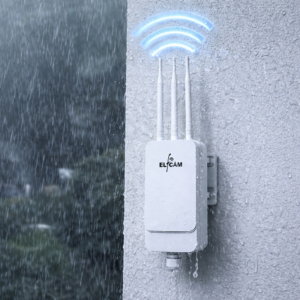
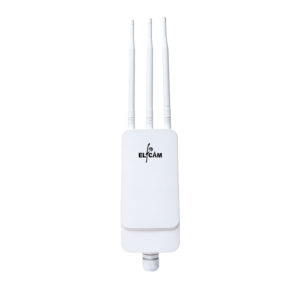
- Outdoor WiFi 6 APs for garden, terrace : IP67 PoE AP
Elfcam dual-band WiFi hardware
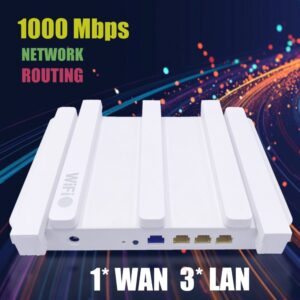
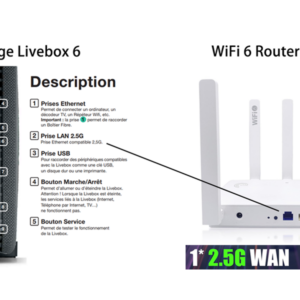
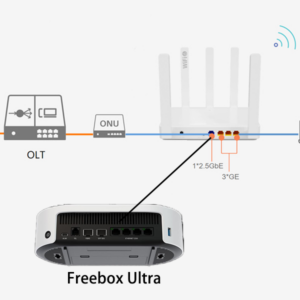
- WiFi 6 Mesh Router AX3000 — dual-band 2.4 + 5 GHz, 2.5 Gb WAN
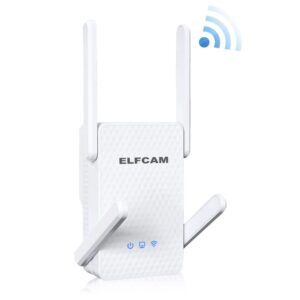
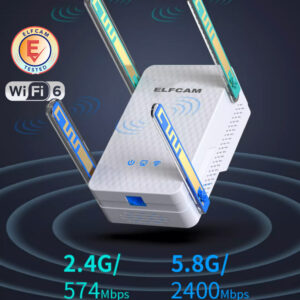
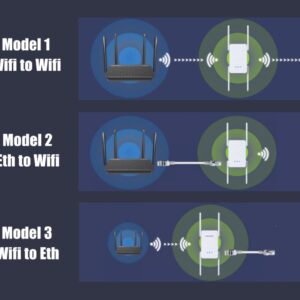
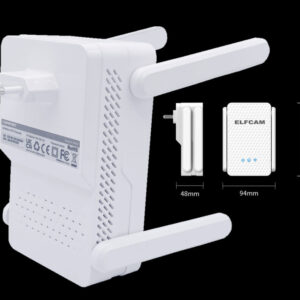
- WiFi 6 Repeater AX3000 — extends both bands
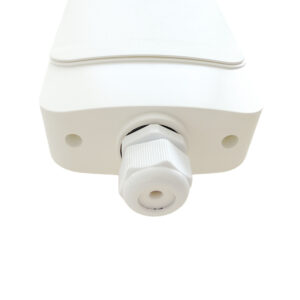
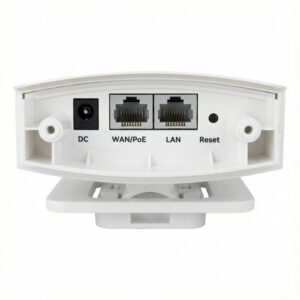
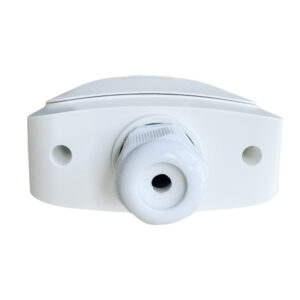
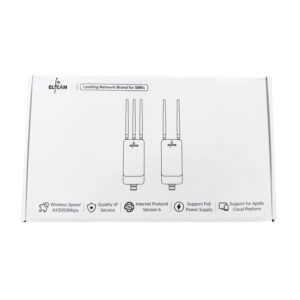
- Outdoor WiFi 6 AP IP67 AX3000 — covers garden, terrace
- WiFi 6 FTTH HGU — all-in-one dual-band fibre box
- Cat 6/7/8 Ethernet cables — mesh backhaul


FAQ — 2.4 GHz vs 5 GHz
1How do I know which band my device is connected to ?
- iPhone/iPad : Settings > WiFi > tap (i) → "Channel" (1-11 = 2.4 GHz ; 36+ = 5 GHz)
- Android : "WiFi Analyzer" app on Play Store
- Windows :
netsh wlan show interfacesin cmd - macOS : Option + click on the WiFi icon → "Channel"
2Why does my smartphone sometimes choose the wrong band ?
- Turn WiFi off and on again (forces re-selection)
- Split the SSIDs into 2 distinct names (WiFi-Home_2.4 and WiFi-Home_5)
- Update the router and smartphone firmware
- Force the 5 GHz preference in advanced WiFi settings (Android, macOS)
3Should I disable 2.4 GHz ?
4Does 5 GHz consume more battery ?
5Does WiFi 5 GHz pass through walls ?
- Plasterboard wall : -3 to -5 dB (little)
- Brick wall : -8 to -10 dB
- Reinforced concrete wall : -15 to -25 dB (strong)
- Thick stone wall : -20 to -30 dB (very strong)
6Do microwaves really disrupt WiFi ?
- WiFi 2.4 GHz slowdown
- Temporary loss of connection
- Increased latency
7What to do if my WiFi 2.4 GHz is saturated in an apartment building ?
- Switch as many devices as possible to 5 GHz
- Manually change the 2.4 GHz channel (1, 6, or 11 — the least used in your building)
- Reduce the 2.4 GHz transmission power (trade-off between range and saturation)
- Consider a WiFi 6E/7 router with the 6 GHz band (almost pristine)
- Install a mesh system with better management
8Delivery and warranty on Elfcam dual-band routers ?
In summary
The 2.4 GHz and 5 GHz bands are not in competition : they are complementary. The 2.4 GHz covers (IoT, distant rooms), the 5 GHz delivers the throughput (streaming, gaming, remote work). In WiFi 6E/7, the 6 GHz band adds a third level for premium devices near the router.
For optimal use, use a dual-band WiFi 6 router minimum, enable Smart Connect, and complement with a repeater or an outdoor IP67 AP as needed. An Ethernet Cat 6 backhaul between mesh nodes makes the difference in large houses.